How to Write a Resume That Passes ATS
Before a recruiter reads your resume, an Applicant Tracking System (ATS) often parses it first. If the software can’t read your layout, you’re rejected automatically. The fix is simple, structural formatting.
Use standard section headings
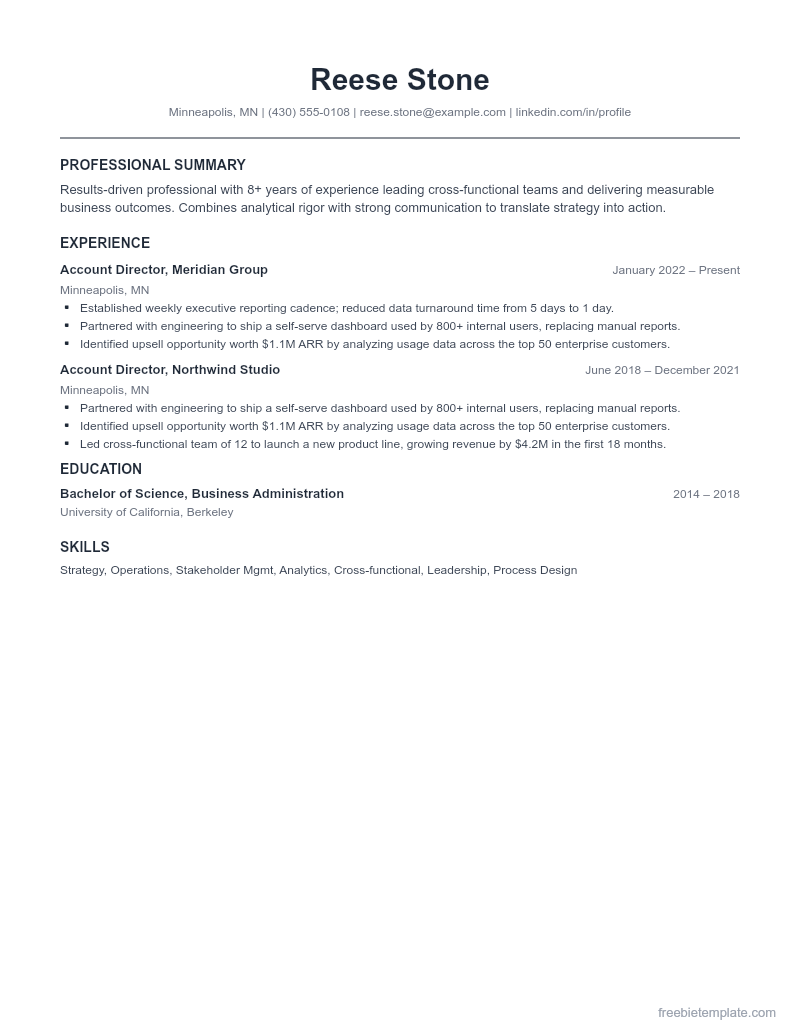
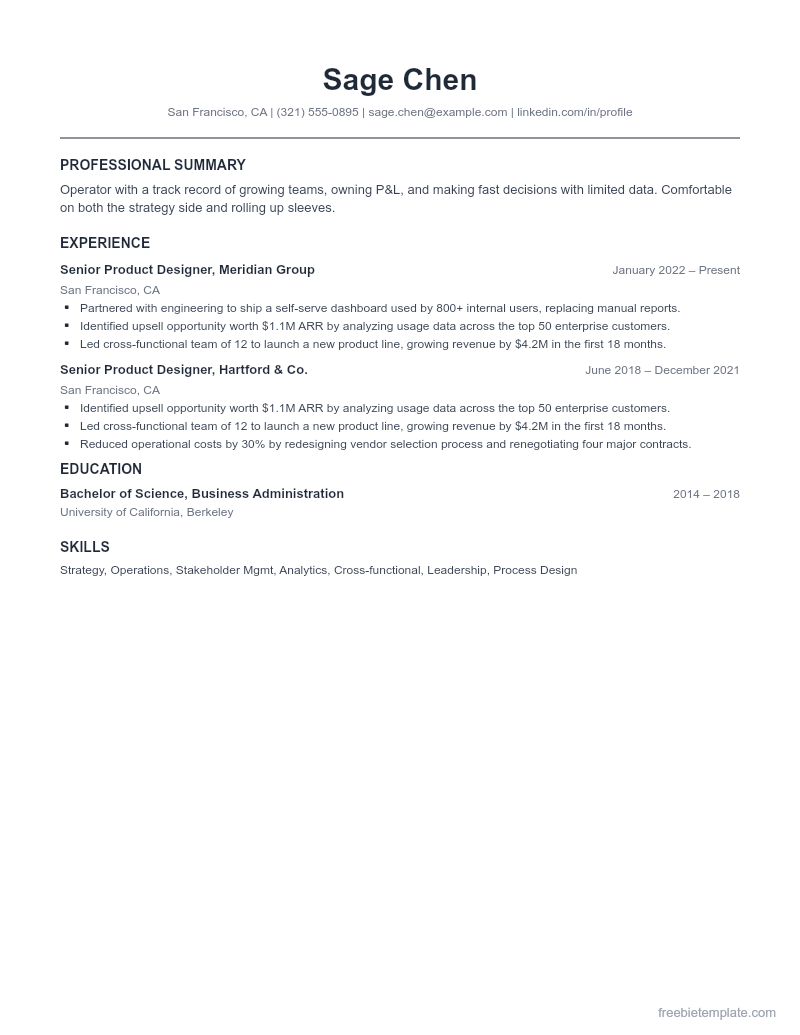
Stick to headings the software recognizes: Summary, Experience, Education, Skills. Creative labels like “Where I’ve Made Magic” confuse parsers and bury your experience.
Avoid text boxes, columns of boxes, and graphics
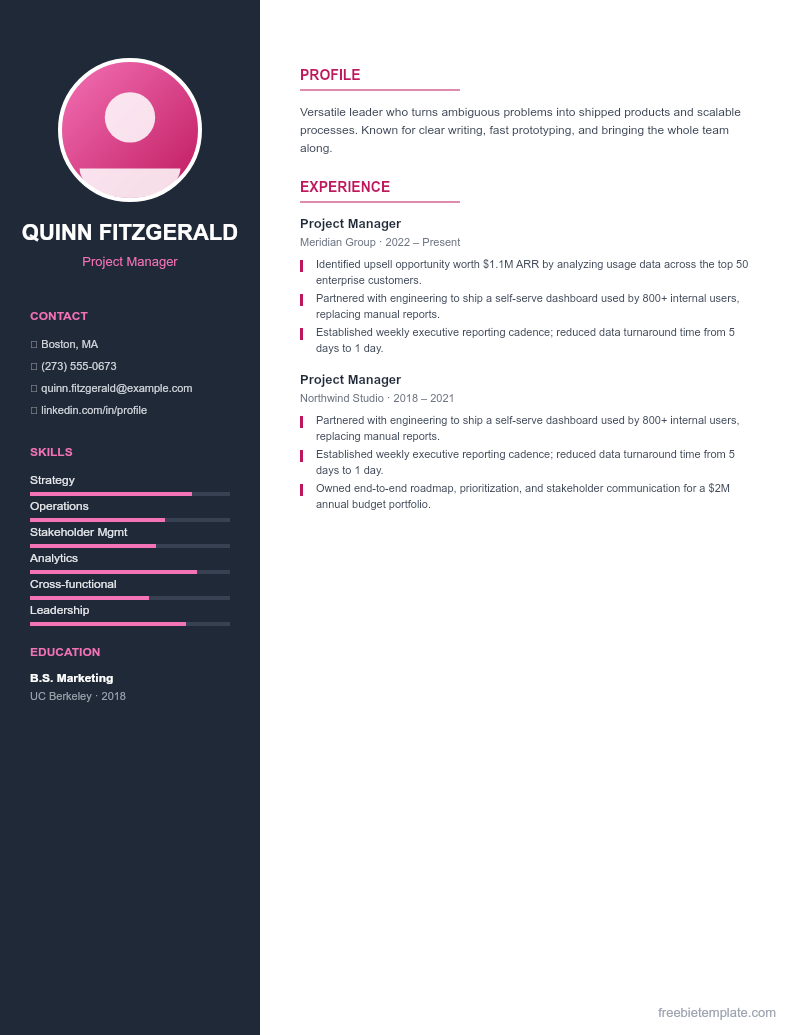
ATS software reads top to bottom, left to right. Text boxes and image-based layouts often get read out of order or skipped entirely. Our ATS-Friendly Pro Resume uses simple paragraphs and basic tables that parse cleanly.
Match keywords from the job post
ATS ranks resumes by how well they match the posting. Mirror the exact skills and tools listed in the job description (where true), so your resume scores higher in the queue.
Save as the format they ask for
If the application accepts .docx, send .docx — it parses more reliably than PDF in older systems. If it asks for PDF, export a clean PDF from Word or Google Docs.
Disclaimer. This guide and our templates are for general personal and informational use, provided as-is. For financial, medical, or legal decisions, consult a qualified professional. Read our editorial policy.