How to Track Business Expenses (the Simple Way)
Tracking expenses well does two things: it lowers your tax bill (you claim every deduction) and it shows you where the money actually goes. Here is a system that takes minutes a week.
Step 1 — Separate business and personal
Open a dedicated business bank account or card. Mixing personal and business spending is the #1 cause of messy books and missed deductions.
Step 2 — Log expenses weekly, not yearly
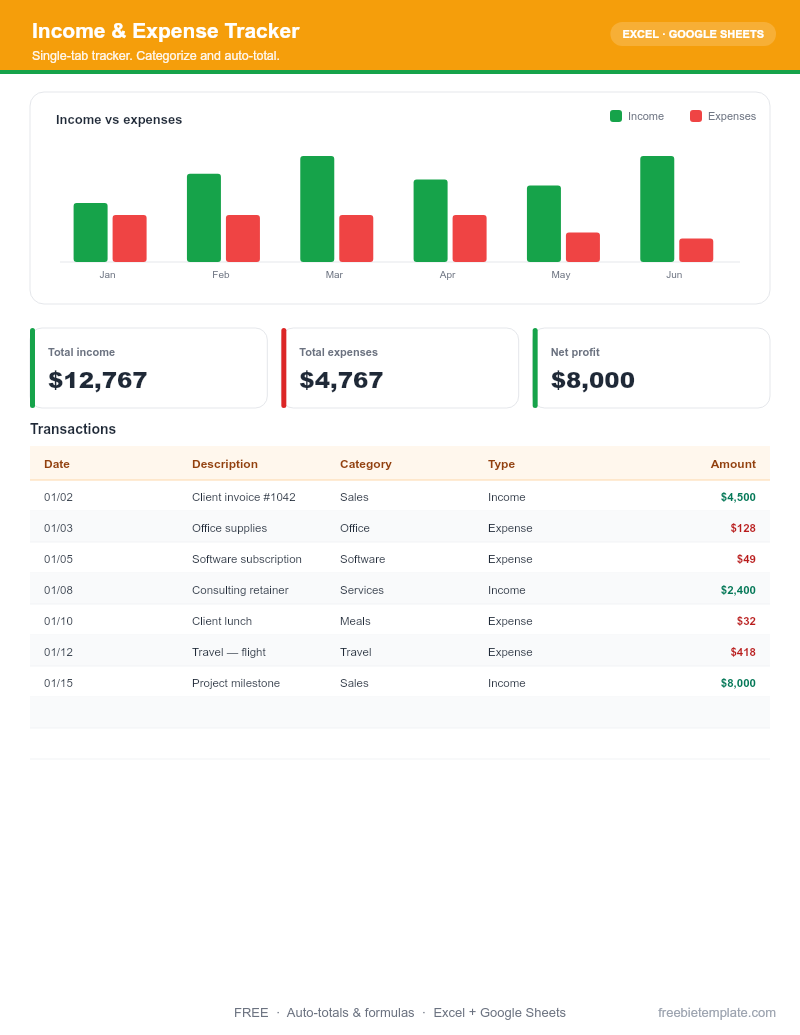
Set a 15-minute weekly slot to enter receipts. Our Income & Expense Tracker uses category dropdowns and auto-totals so this stays quick.
Step 3 — Categorize for Schedule C
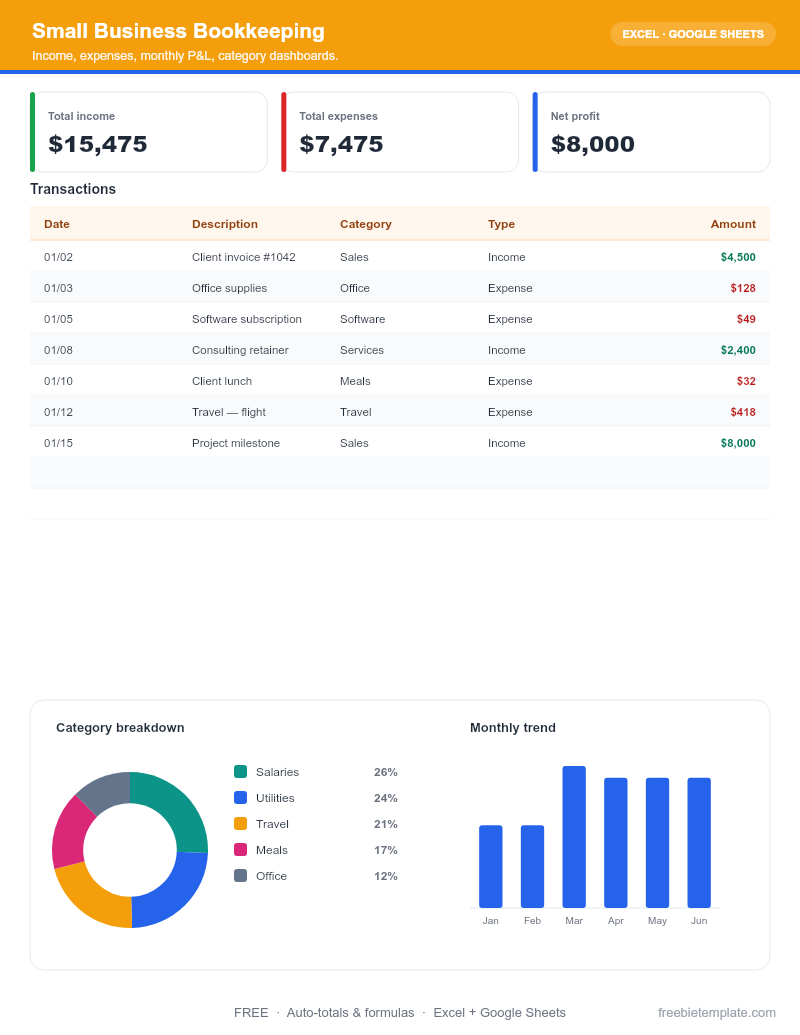
Group expenses into standard categories (software, supplies, travel, meals) so they map cleanly to your tax forms. The Small Business Bookkeeping workbook is pre-set up this way.
Step 4 — Keep your receipts
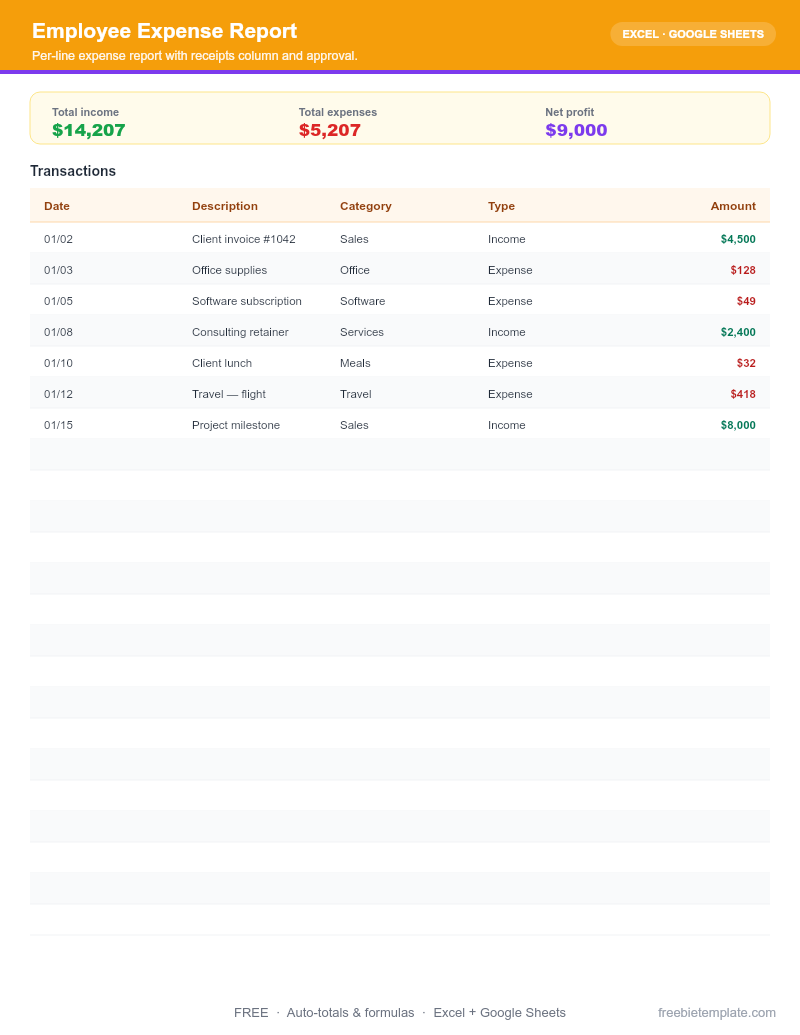
Snap a photo of every receipt and note the business purpose. The Employee Expense Report template includes a receipts column and approval row.
Disclaimer. This guide and our templates are for general personal and informational use, provided as-is. For financial, medical, or legal decisions, consult a qualified professional. Read our editorial policy.