How to Download and Edit a Word or Excel Template
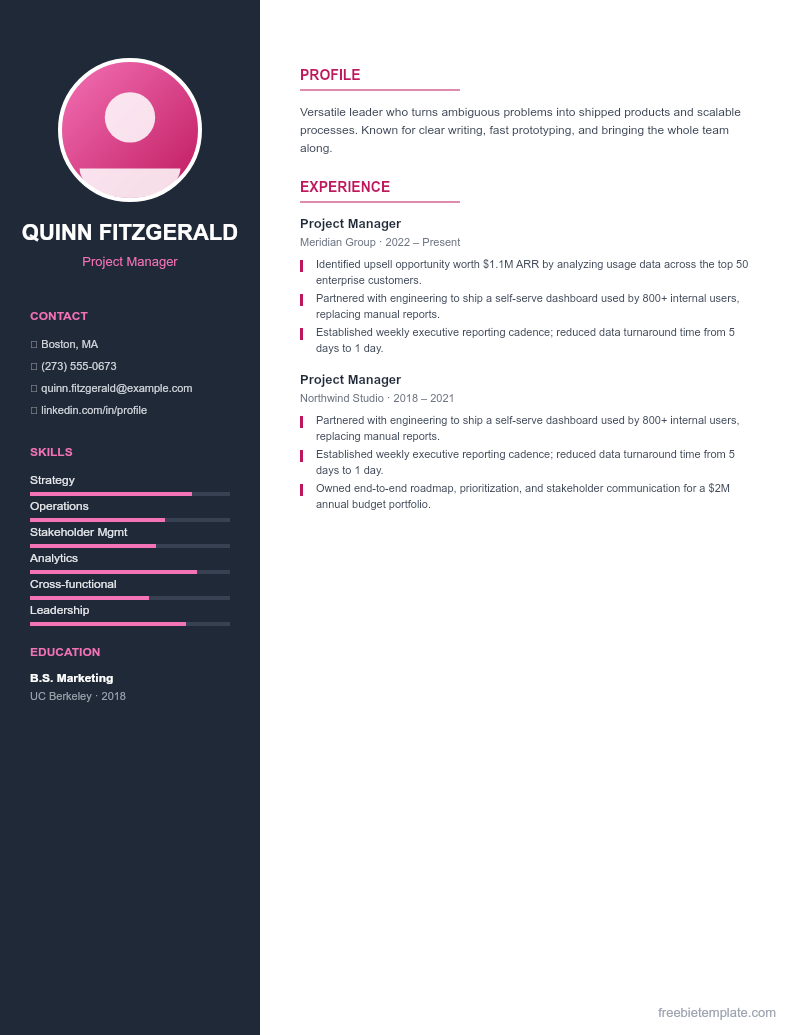
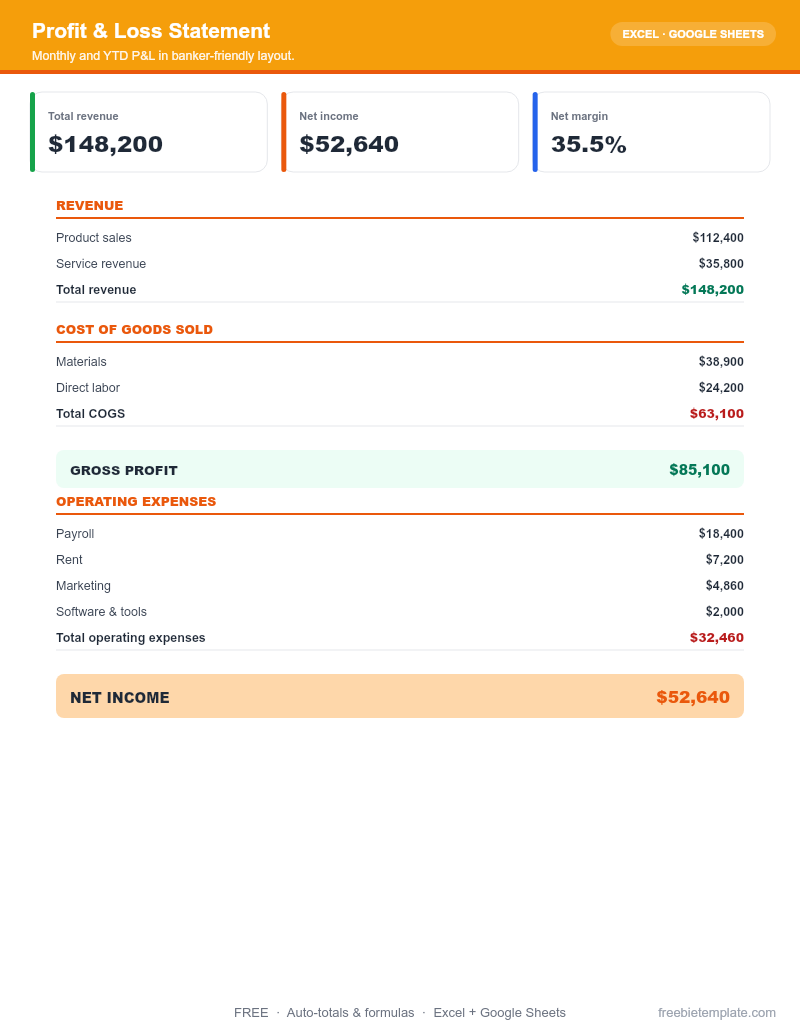
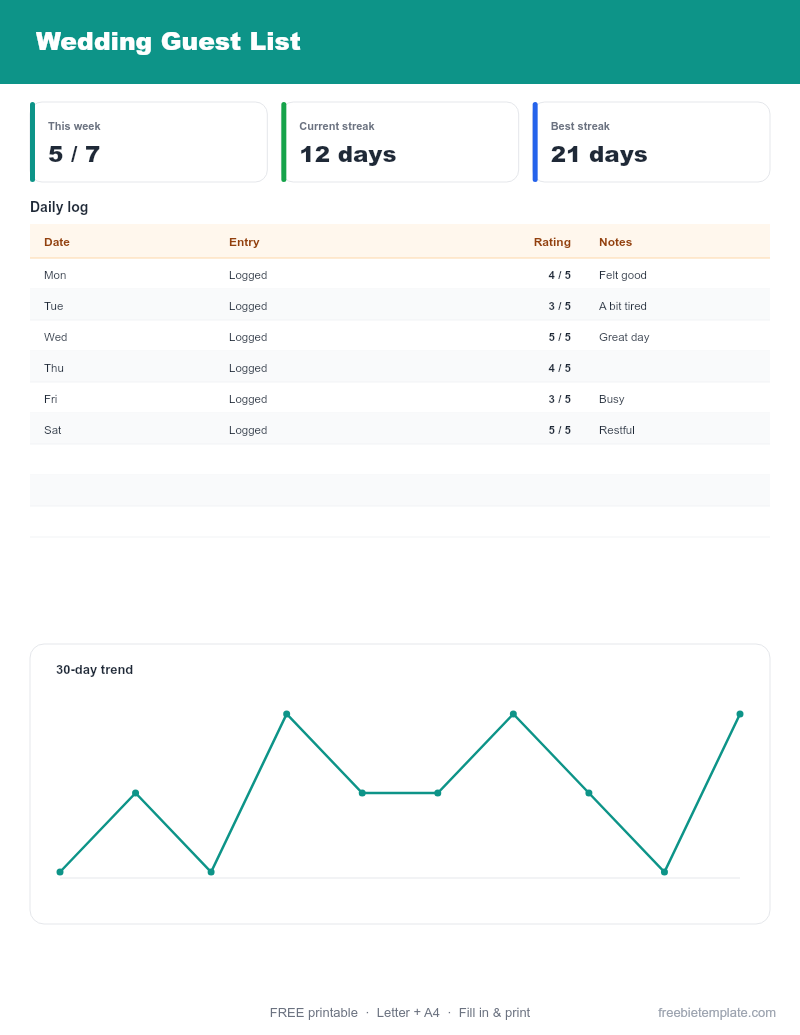
If you would rather work offline, every template offers a direct .docx (Word) or .xlsx (Excel) download. These open in Microsoft Office, the free LibreOffice suite, and Apple Pages/Numbers.
Download the file
Click the “Download .docx” or “Download .xlsx” button on the template page. The file saves to your Downloads folder — no signup, no watermark.
Open it in your editor
Double-click to open it in Word or Excel. No Office license? Install LibreOffice (free) or upload the file to Google Drive and open it there. On a Mac, Pages and Numbers open Word and Excel files directly.
Edit and save
Type over the placeholder content. In spreadsheets, the formulas are built to work in Excel 2016+, Excel for Mac, and Google Sheets — SUMIFS and basic arithmetic, nothing that needs the newest version.
Save as you go. To share a final version, use File → Save As → PDF.
A note on fonts
Templates use common system fonts so they look the same on any computer. If a font ever looks off, pick a similar one (Calibri, Arial, or Georgia) from your editor’s font menu.
Disclaimer. This guide and our templates are for general personal and informational use, provided as-is. For financial, medical, or legal decisions, consult a qualified professional. Read our editorial policy.