How to Create a Social Media Content Calendar
Consistency beats virality. A content calendar turns "what do I post today?" into a plan you execute. Here is how to build one.
Step 1 — Define your content pillars
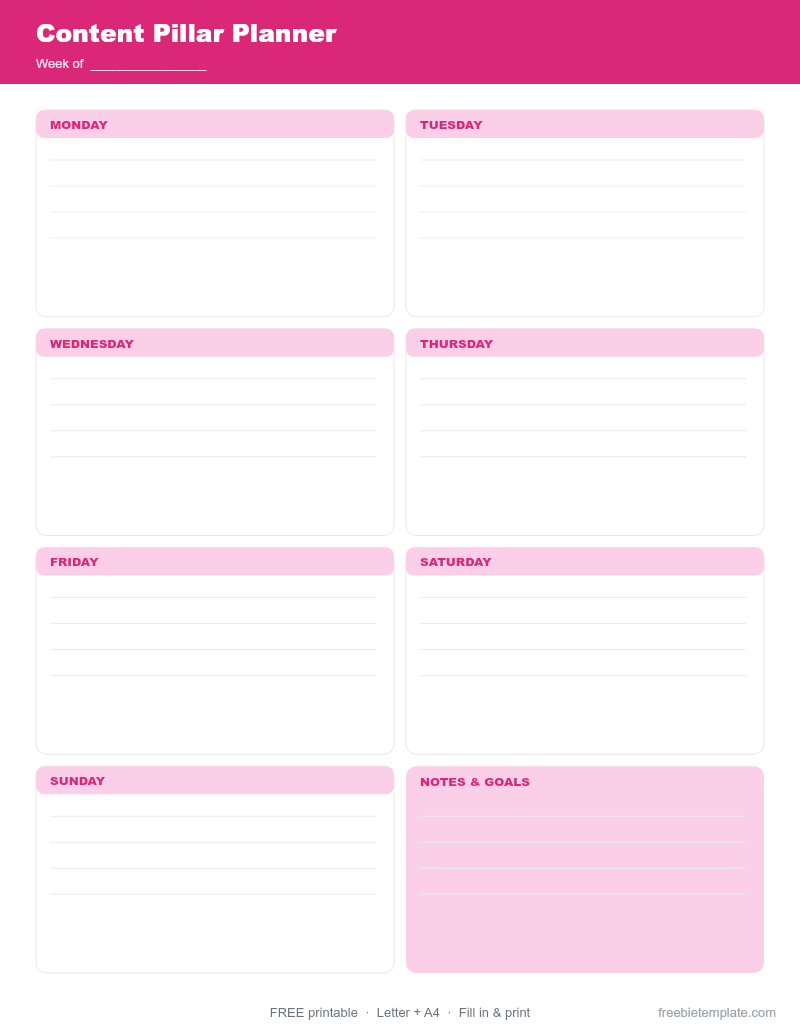
Pick 3–5 themes you post about (e.g. tips, behind-the-scenes, results, personal). The Content Pillar Planner helps you map these.
Step 2 — Batch your ideas
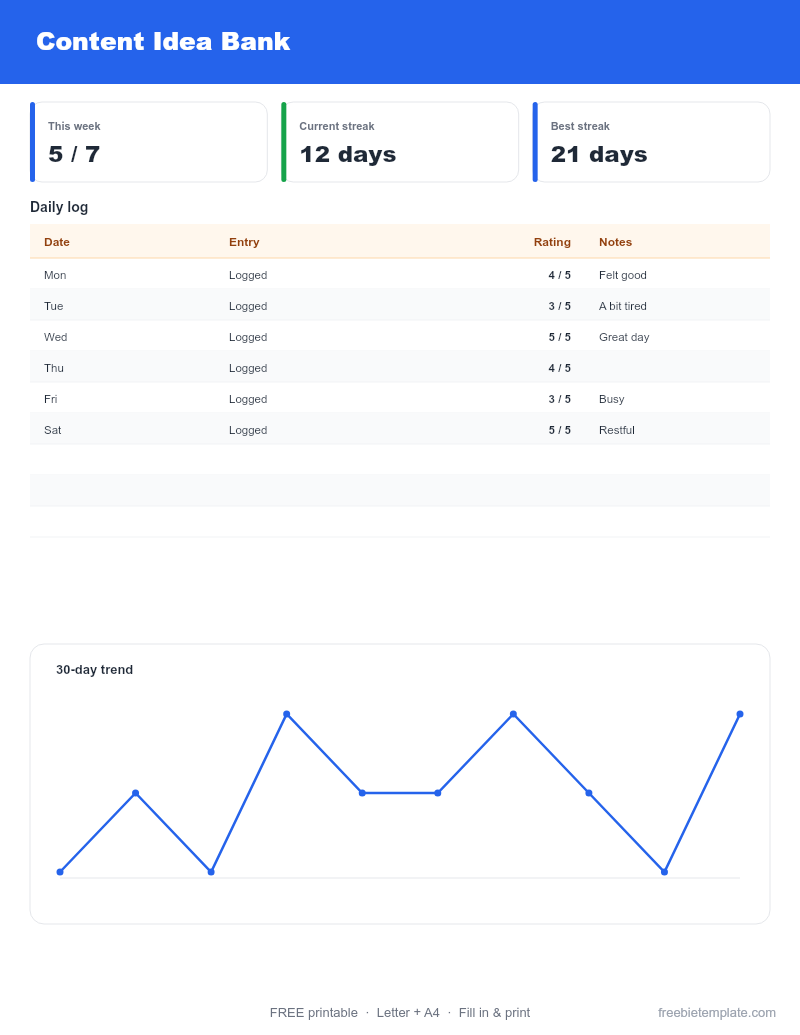
Brainstorm a month of posts at once into a Content Idea Bank, tagged by pillar and format. Batching beats daily inspiration-hunting.
Step 3 — Schedule by date and platform
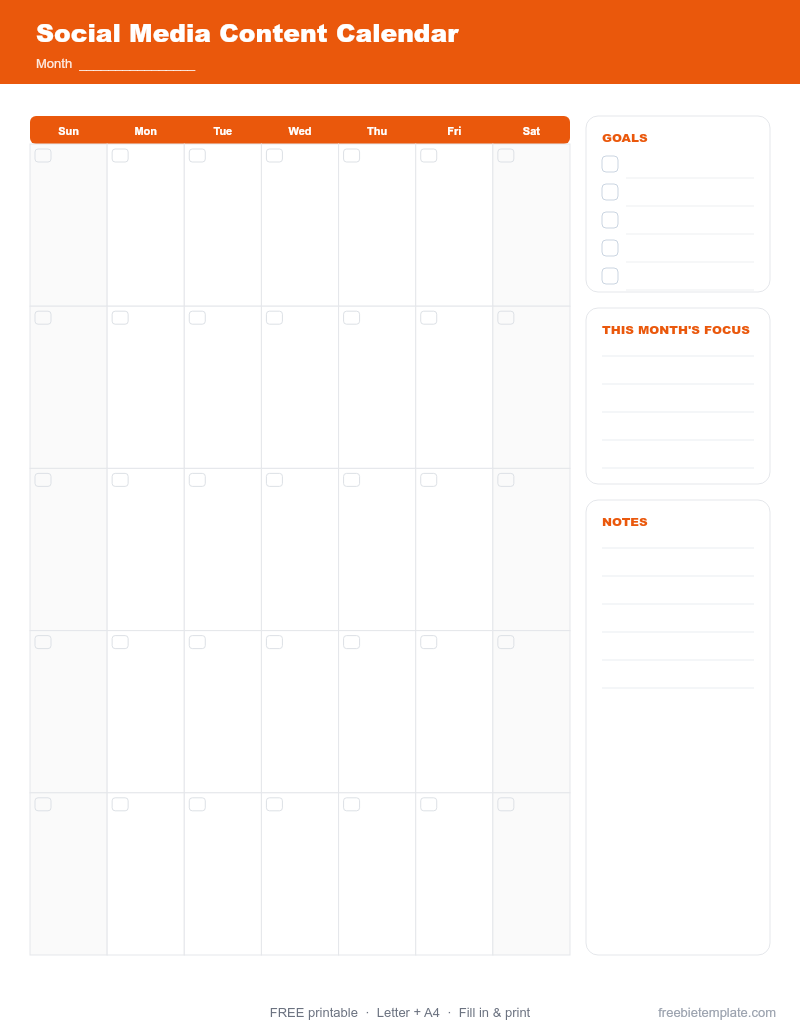
Drop ideas onto a calendar with caption, hashtags, and status. The Social Media Content Calendar tracks all of this in one view.
Step 4 — Review what works
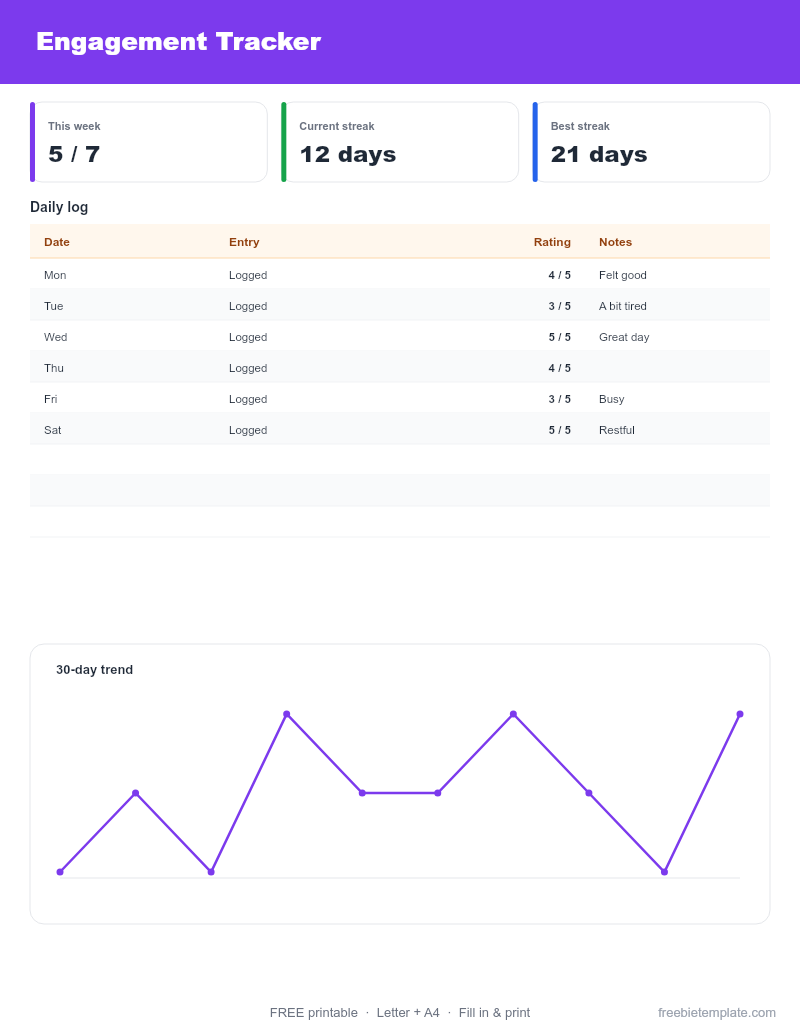
Track engagement per post and double down on what resonates. The Engagement Tracker makes the pattern obvious.
Disclaimer. This guide and our templates are for general personal and informational use, provided as-is. For financial, medical, or legal decisions, consult a qualified professional. Read our editorial policy.